
HY-RPE2
$48.00
Buy on KVR
If you don't receive it, please contact us.
And please check your spam folder before sending message.
*Please try demo version before purchase.
Description
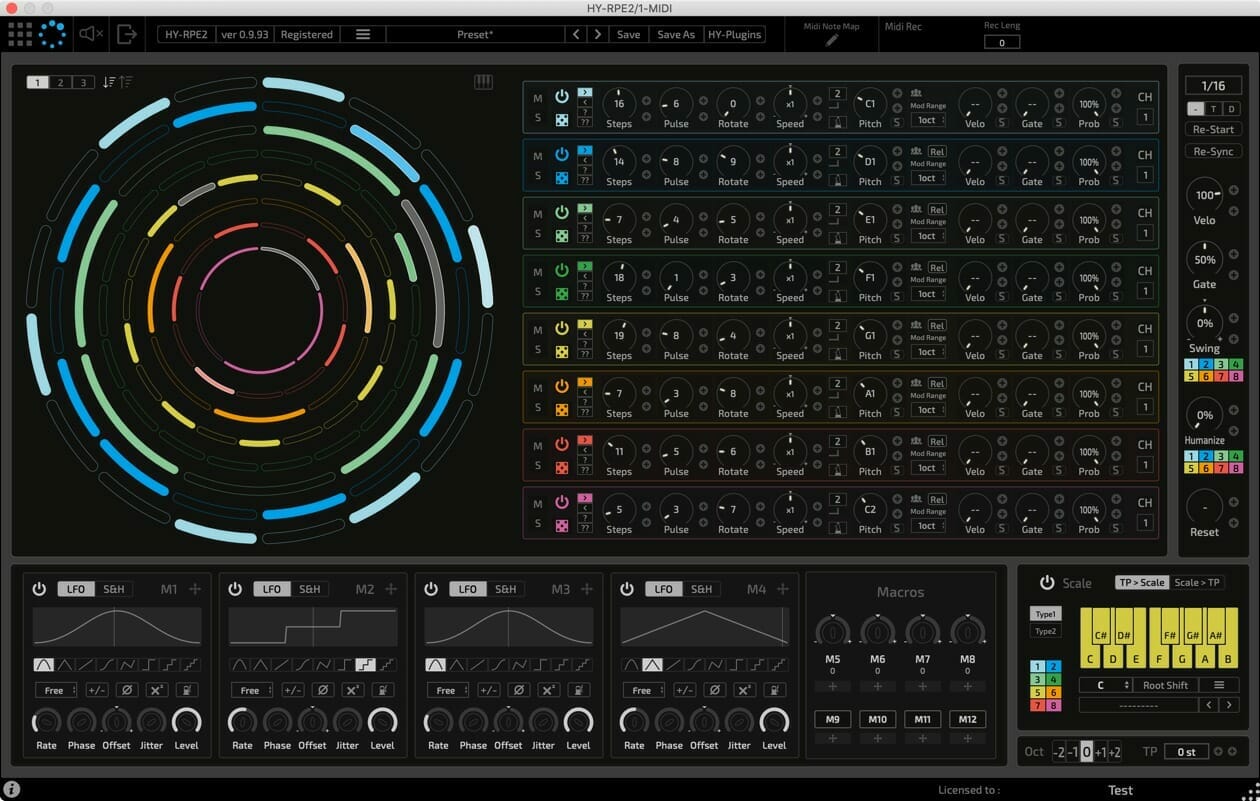
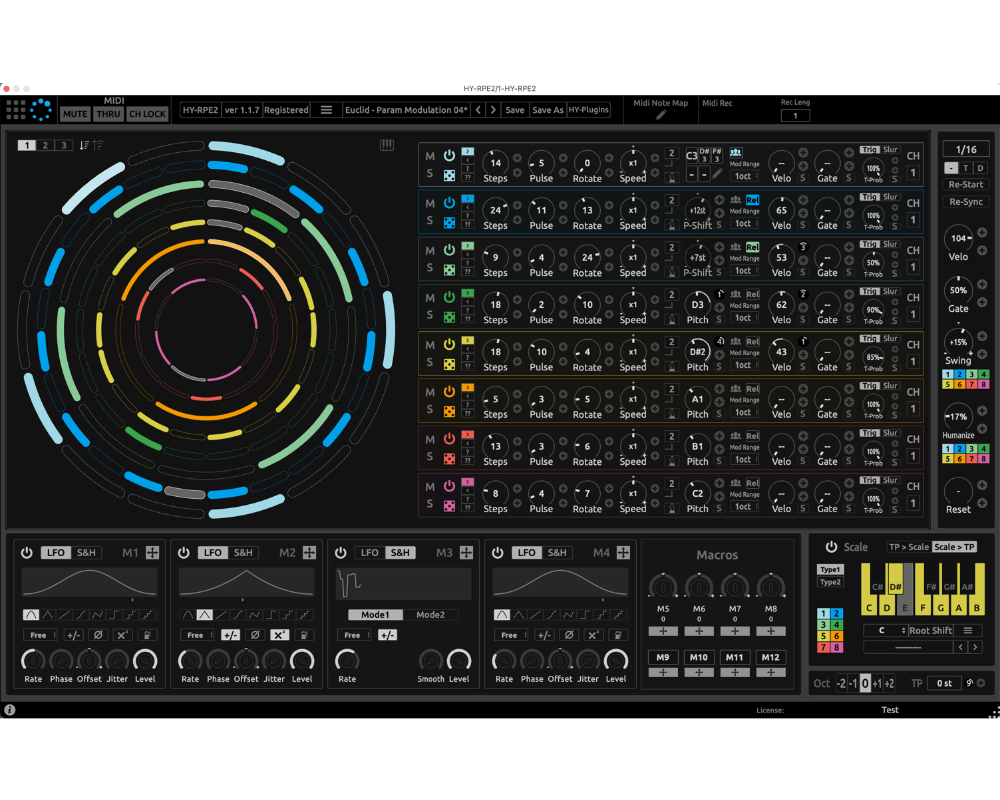
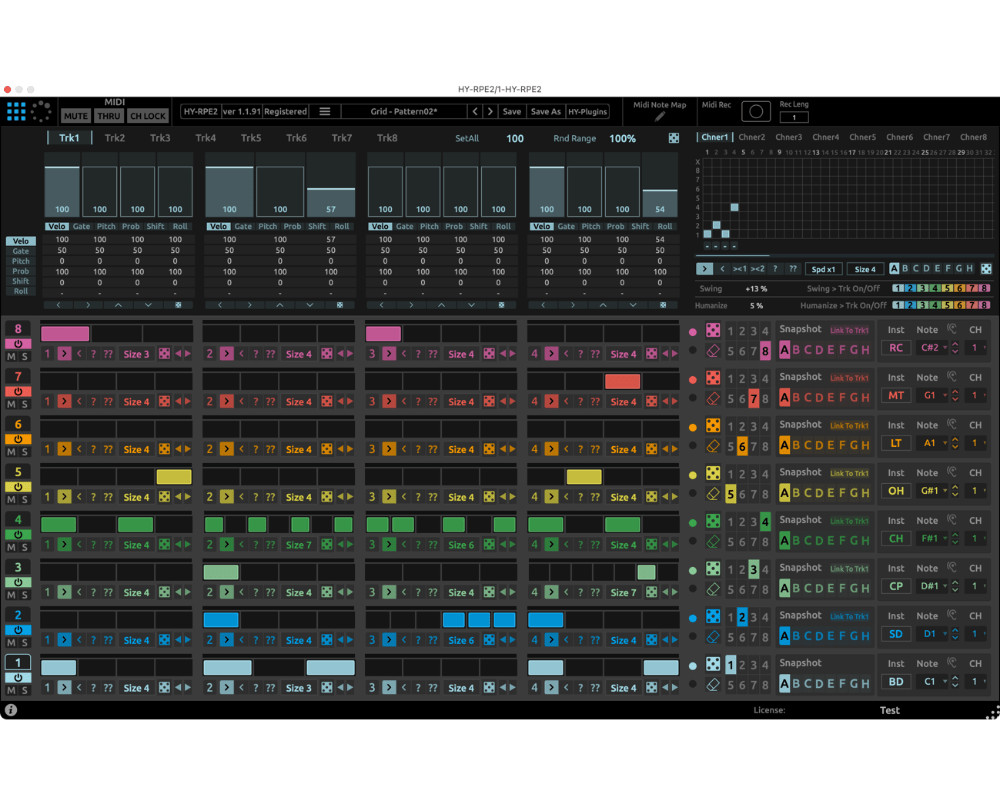
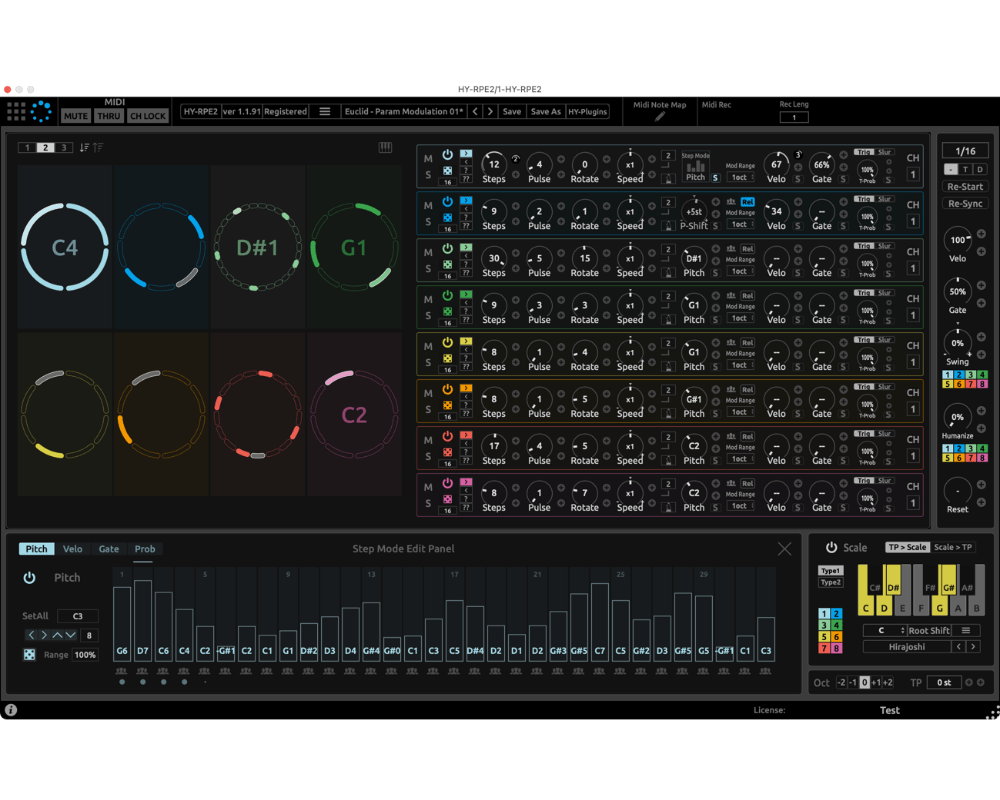
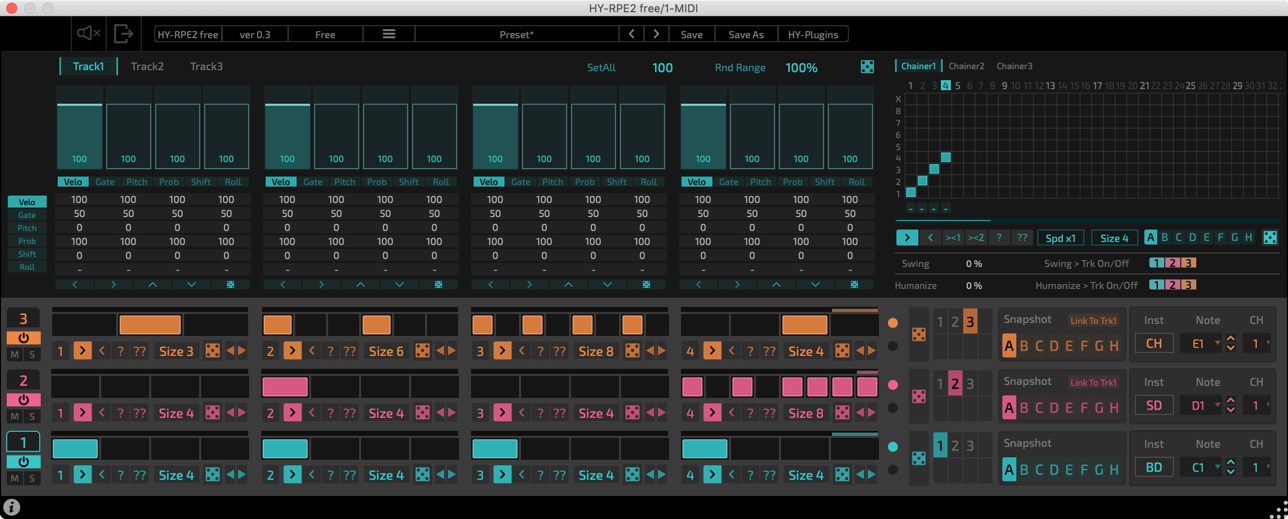
This is an 8 track midi sequencer plugin.
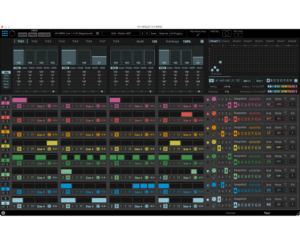
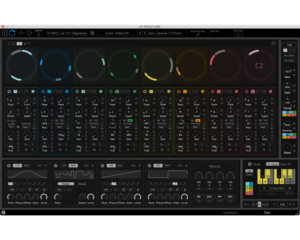
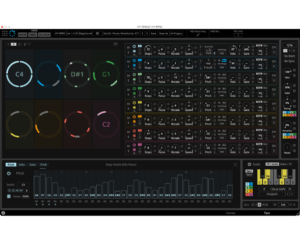
It has two different sequencer engines, Grid and Euclidean.
Free update for version1 user.
- 2 sequencer engines (Grid and Euclidean)
- Drag & drop modulation assignment(for Euclidean Sequencer)
- 4 LFO/Sample&Hold units (for Euclidean Sequencer)
- 4 Macro knobs/buttons (for Euclidean Sequencer)
- Midi Recorder
- Midi Learn
- Midi Note Map
- Resizable interface
- Grid sequencer only
- 3 Tracks
Top 13 Sequencer Plugins by Integraudio
Windows:
VST2, VST3 32/64bit
macOS:
VST2, VST3, AUv3 64bit only
*AUv3 is only for Logic user
*doesn't work with GarageBand and Propellerhead Reason
Windows:
Windows8 or higher
macOS:
OSX 10.14 or higher
Universal Binary 2 with native Apple M1 support.
DAW Setup
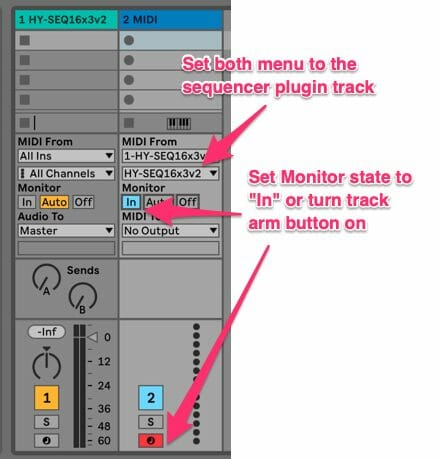
- Load the HY sequencer plugin as an instrument
- Add another midi track
- Set Midi From menus to the sequencer track
- Turn track arm button on or set monitor state “In” for receiving midi out from the sequencer track
- Press the play button of a host DAW
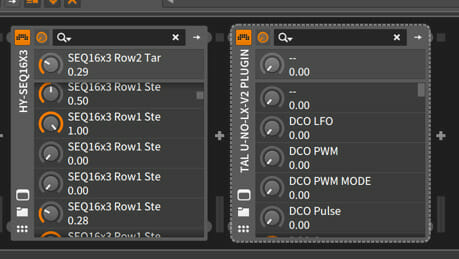
- Load the Hy Sequencer as an instrument.
- Load the target instrument plugin after it in the chain.
- Press the play button of a host DAW
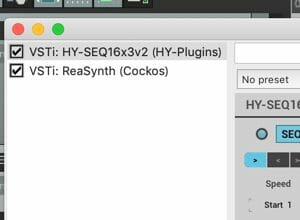

- Load the HY Sequencer plugin as an instrument.
- Insert the target instrument after it in the chain.
- Press the play button of a host DAW
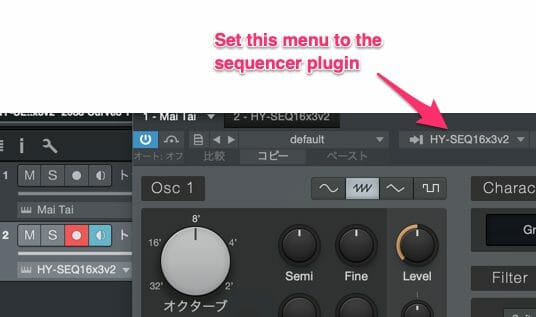
- Add an instrument track and load the HY Sequencer.
- Add another instrument track and load the target instrument.
- Open the target plugin’s editor panel and set it to mirror the settings in the above image.
- Press the play button of a host DAW
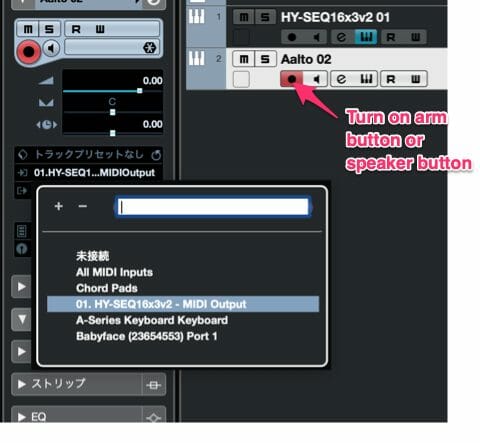
- Add an instrument track and load the plugin.
- Add another instrument track and load the target plugin.
- Set the midi input menu of the target plugin to the HY Sequencer output.
- Turn on monitor buttonor speaker button.
- Press the play button of a host DAW
- *If you use Asio-Guard, and its level is high, please lower the level to normal or lower.
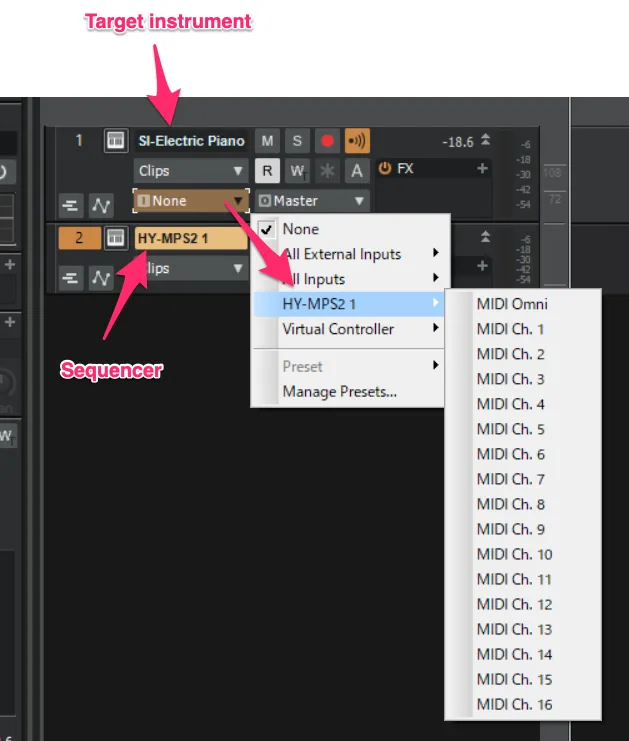
- Add instrument track and load sequencer plugin
- Add another instrument track and load your instrument
- Open Midi input source menu of the target instrument track and select the sequencer plugin as a input source

- Load the HY Sequencer plugin as an instrument.
- Load a target instrument.
- Set Midi Output Port of the HY Sequencer plugin and MIDIInput Port of the target plugin to the same number.
- Press the play button of a host DAW
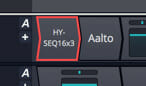
- Load the HY Sequencer plugin.
- Insert the target instrument plugin after it in the chain.
- Press the play button of the host a DAW
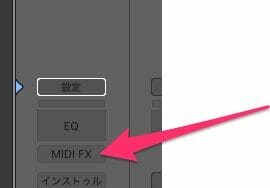
- Load the HY Sequencer plugin as a Midi FX.
- Load a target instrument
- Press the play button of a host DAW
Download
Demo Limitations- Fade in/out every few minutes
- Save preset is not available
- Parameter states will not be stored in your project file
*AUv3 version is only for Logic user.
Download Full/Demo Download Free version
Download Full/Demo Download Free version
Release Notes
v1.0.0(October 9, 2020)
· release
v1.0.6(November 8, 2020)
- Add: Midi Channel Lock
- Add: Scale Key
- Fix: Octave displays in Midi Map editor are incorrect for some hosts
v1.0.7(January 10, 2021)
- Fix: When the plugin window is closed while a popup window is opened, it may cause plugin crash
- Fix: The step LEDs in the step mode panel aren't placed correctly
- Fix: The Euclidean Seq display doesn't update properly
v1.1.0(May 14, 2021)
- Add: Track color editor
- Add: "Chainer All" to the Midi map control
- Fix: The scale display may not be recalled correctly with the VST3 version
- Change: Some minor changes
v1.1.7(October 23, 2021)
- Change: Apple M1 support
v1.2.1(July 23, 2022)
- New: Linux version
- Fix: Note preview button of Grid Mode didn’t work properly
- Fix: Some minor issues
v1.2.9(March 11, 2025)
- Improved GUI drawing speed
- some minor changes