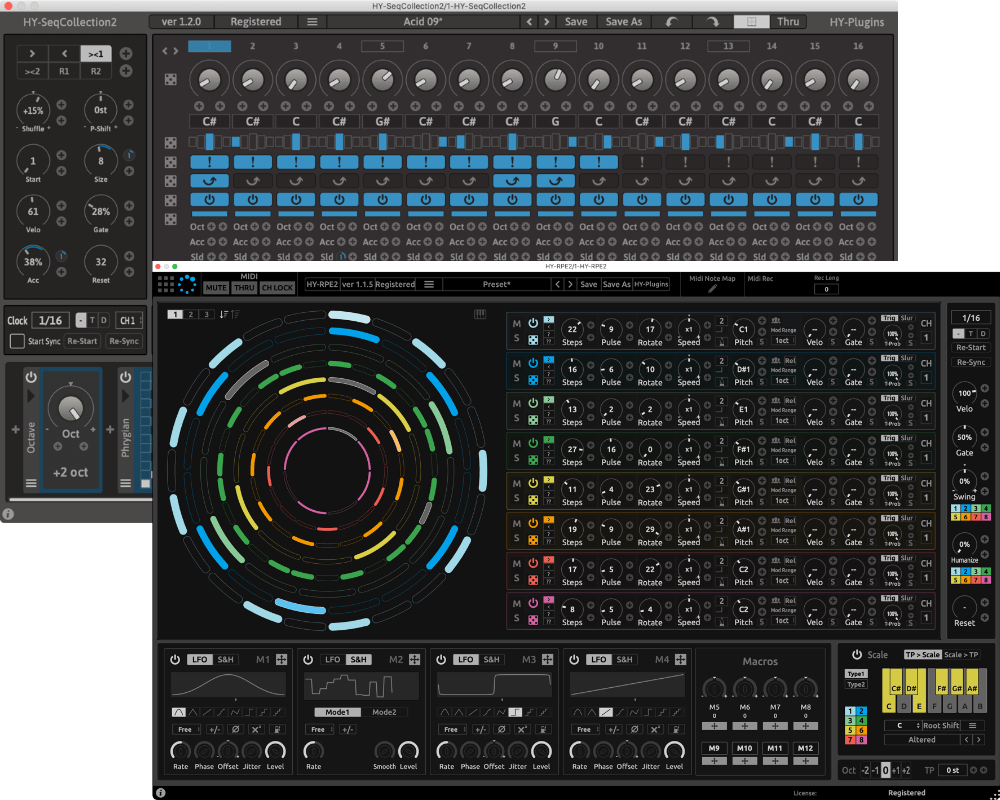
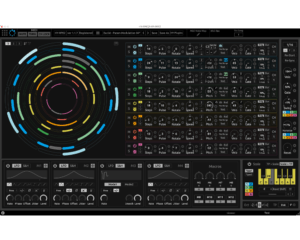
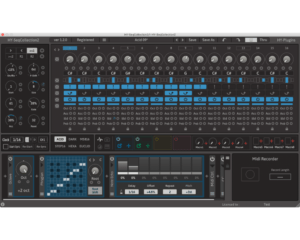
SeqCollection2 + RPE2
$74.00
If you don't receive it, please contact us.
And please check your spam folder before sending message.
*Please try demo version before purchase.
Description
Bundle of HY-RPE2 + HY-SeqCollection2
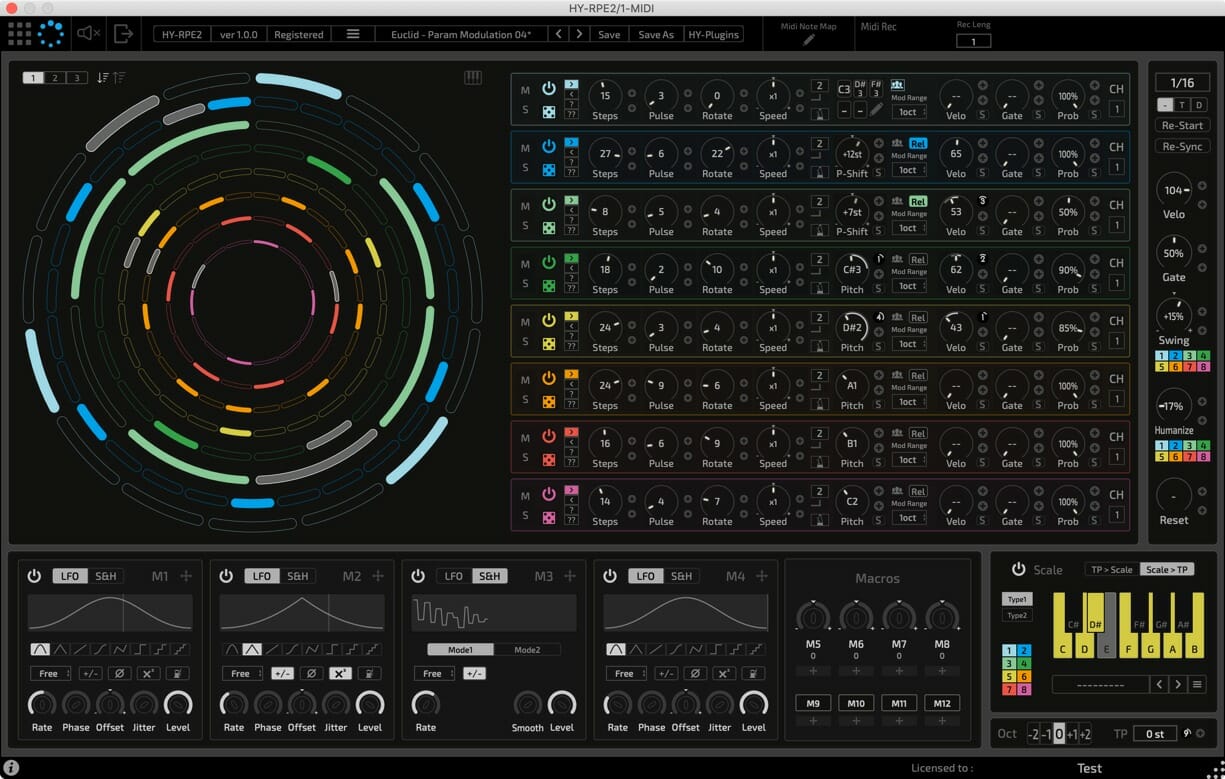
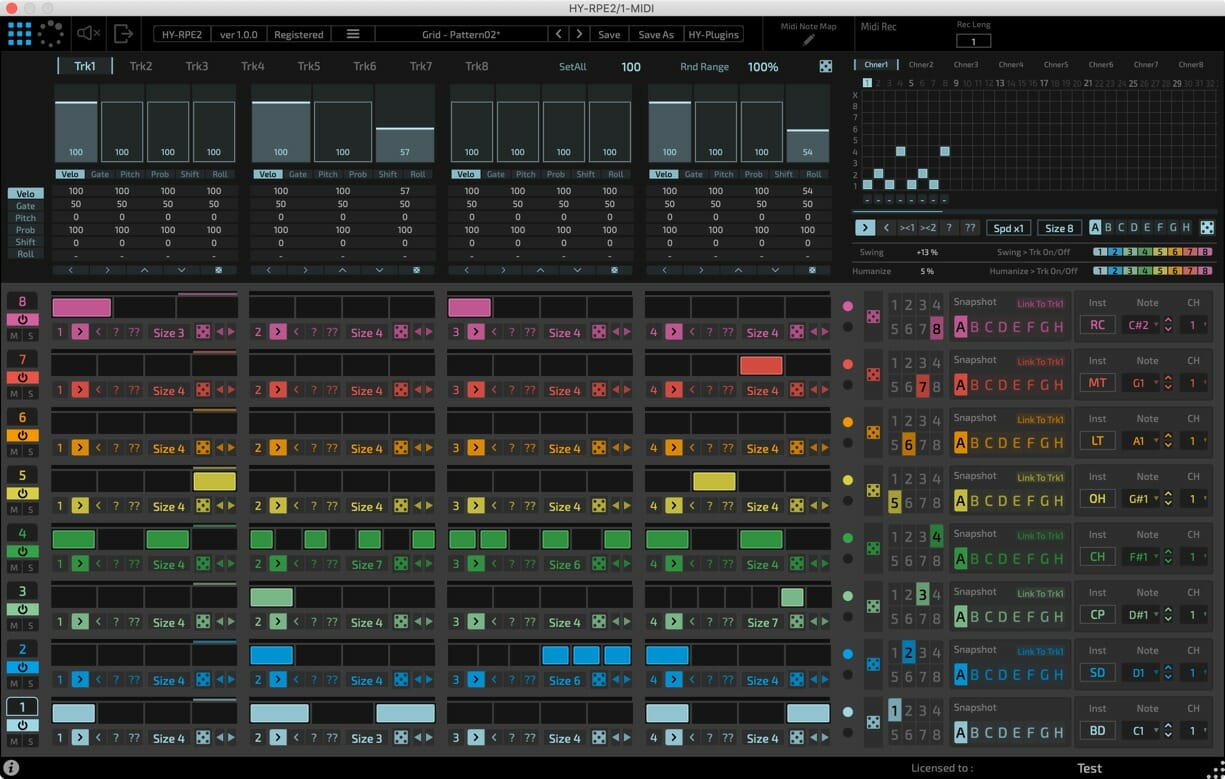
- 2 sequencer engines (Grid and Euclidean)
- Drag & drop modulation assignment(for Euclidean Sequencer)
- 4 LFO/Sample&Hold units (for Euclidean Sequencer)
- 4 Macro knobs/buttons (for Euclidean Sequencer)
- Midi Recorder
- Midi Learn
- Midi Note Map
- Resizable interface
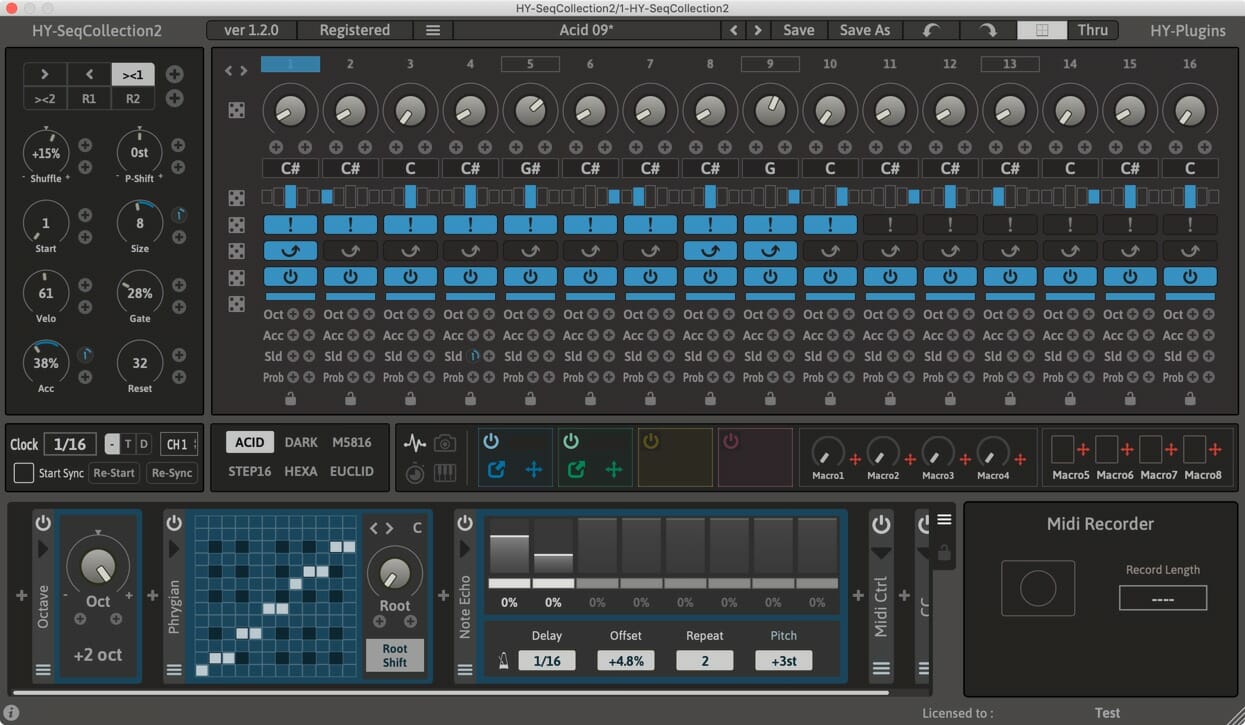
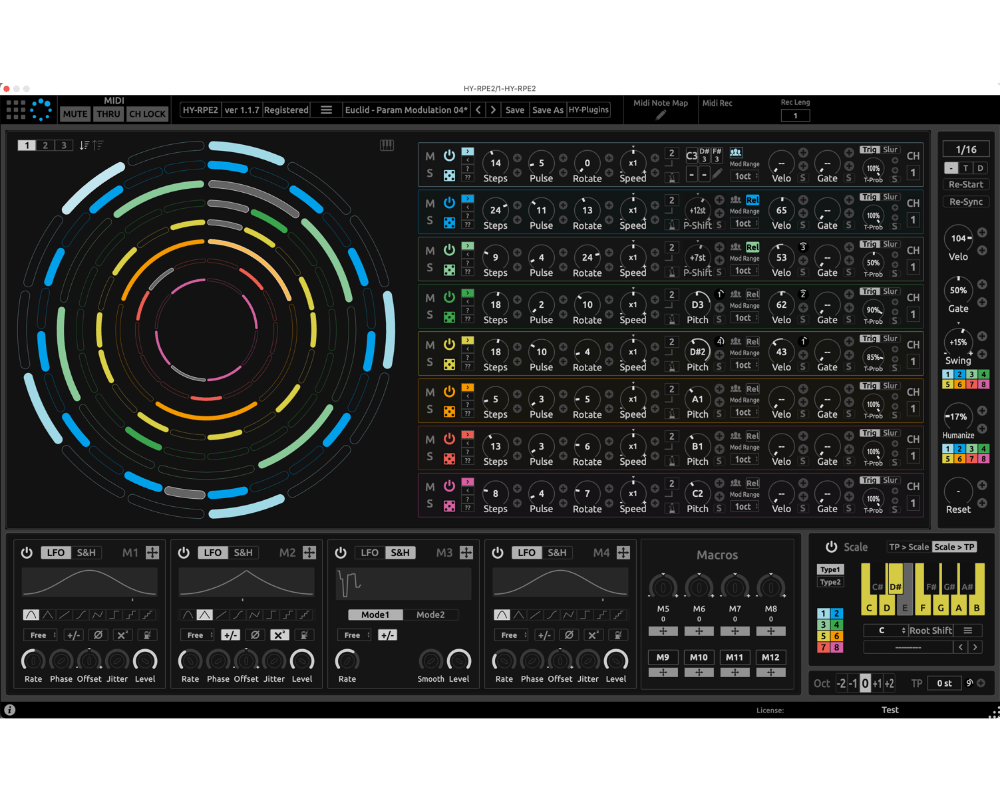
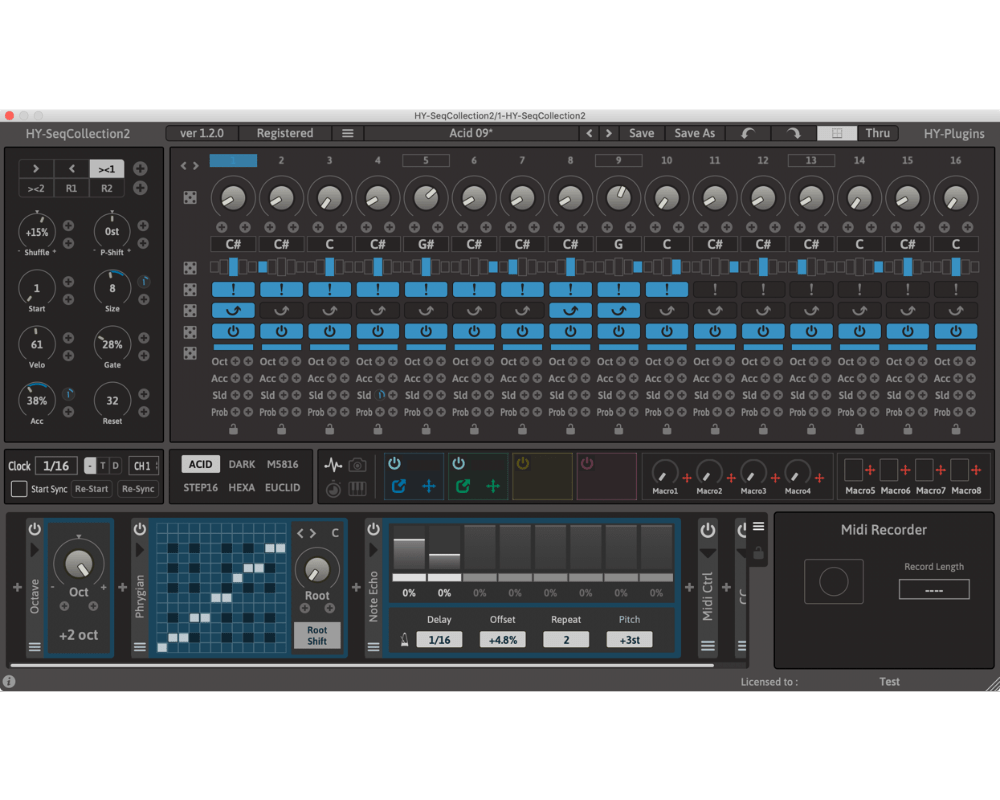
This is a multi-mode sequencer plugin.
There are 6 sequencer modes available. (Acid, Dark, M5816, Step16, Hexa, Euclid)
There are 4 modulation signal generators and 8 macro controls available for parameter modulation.
You can also insert midi effects after the sequencer engine output.
There are 9 midi effects available. (Octave, Transpose, Scale, Harmonizer, Velocity, Note Chance, Note Echo, Midi Ctrl, Midi CC)
Finally you export the results as a midi file using the midi recorder.
- 6 sequencer engines(Acid, Dark, M5816, Step16, Hexa, Euclid)
- 4 modulation signal generators and 8 macro controls
- Drag and drop modulation assignment
- Midi FX (9 effect type)
- Midi Recorder
- Sequencer pattern snapshot
- Randomizer
- Re-scaleble interface
Mac : macOS 10.14 or higher
Universal Binary 2 with native Apple M1 support.
*doesn't work with GarageBand and Propellerhead Reason
Download
HY-RPE2
Download Demo (Installer) Download Demo (non-Installer)
HY-SeqCollection2
Download Demo (Installer) Download Demo (non-Installer)
AUv3 is only for Logic user
HY-RPE2
HY-SeqCollection2
DAW Setup
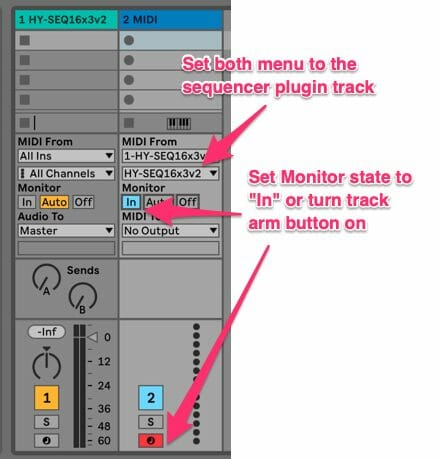
- Load the HY sequencer plugin as an instrument
- Add another midi track
- Set Midi From menus to the sequencer track
- Turn track arm button on or set monitor state “In” for receiving midi out from the sequencer track
- Press the play button of a host DAW
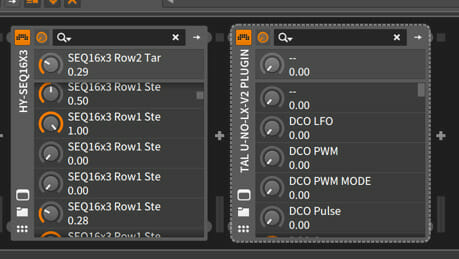
- Load the Hy Sequencer as an instrument.
- Load the target instrument plugin after it in the chain.
- Press the play button of a host DAW
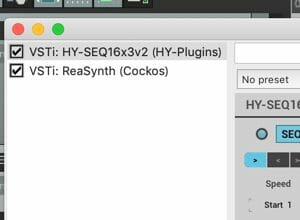

- Load the HY Sequencer plugin as an instrument.
- Insert the target instrument after it in the chain.
- Press the play button of a host DAW
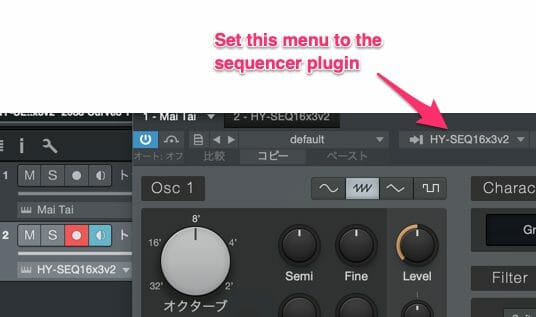
- Add an instrument track and load the HY Sequencer.
- Add another instrument track and load the target instrument.
- Open the target plugin’s editor panel and set it to mirror the settings in the above image.
- Press the play button of a host DAW
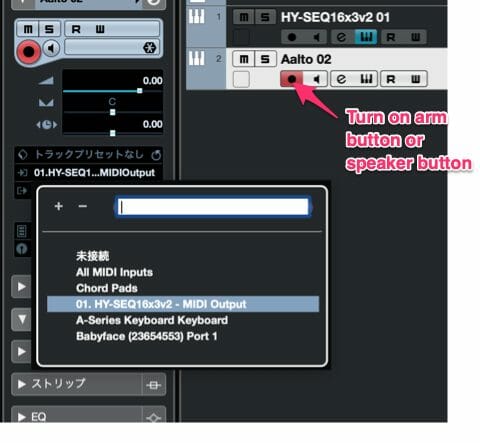
- Add an instrument track and load the plugin.
- Add another instrument track and load the target plugin.
- Set the midi input menu of the target plugin to the HY Sequencer output.
- Turn on monitor buttonor speaker button.
- Press the play button of a host DAW
- *If you use Asio-Guard, and its level is high, please lower the level to normal or lower.
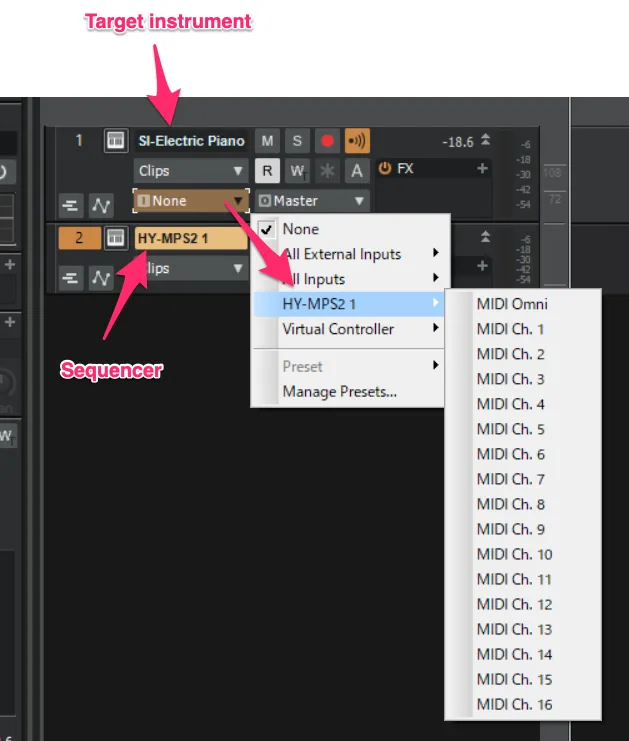
- Add instrument track and load sequencer plugin
- Add another instrument track and load your instrument
- Open Midi input source menu of the target instrument track and select the sequencer plugin as a input source

- Load the HY Sequencer plugin as an instrument.
- Load a target instrument.
- Set Midi Output Port of the HY Sequencer plugin and MIDIInput Port of the target plugin to the same number.
- Press the play button of a host DAW
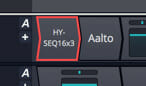
- Load the HY Sequencer plugin.
- Insert the target instrument plugin after it in the chain.
- Press the play button of the host a DAW
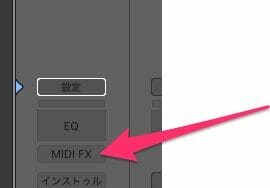
- Load the HY Sequencer plugin as a Midi FX.
- Load a target instrument
- Press the play button of a host DAW
Release Notes
—-